
The instructions have been checked against version 8.2.7. Some screenshots are from earlier versions, so labels, icons, or layout may differ.
Copy the file
You need to create a destination folder first
Please see ” Swipe file from right to left ” for the button display

Tap the “Copy” button to display the folder tree
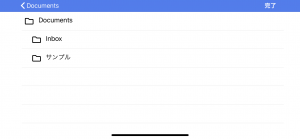
ap the copy destination folder and copy will be done with “Done”