
The instructions have been checked against version 8.2.7. Some screenshots are from earlier versions, so labels, icons, or layout may differ.
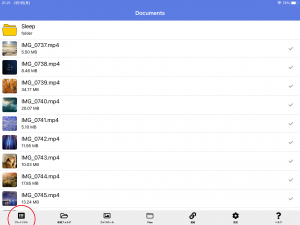
Tap Playlist in the menu.
Tap the “+” button in the upper right corner of the playlist screen to create a playlist.

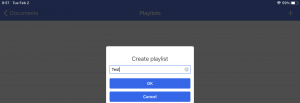
Enter a playlist name
In this example, we will create a playlist named “Test”.
Make sure that the playlist has been created and proceed to edit the playlist
