The instructions have been checked against version 8.2.7. Some screenshots are from earlier versions, so labels, icons, or layout may differ.
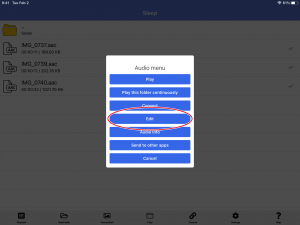
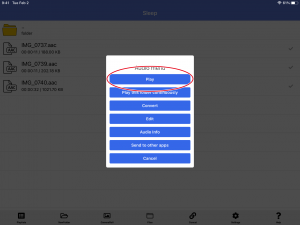
When you select an audio file, the playback menu is displayed.
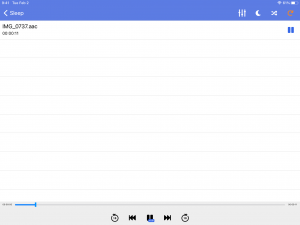
Selecting “Play” will play only the one song you tap.
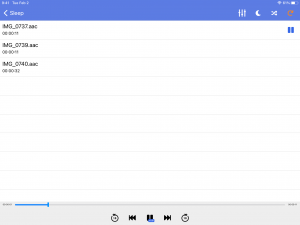
If you select “play this folder continuously”, all songs in the currently displayed folder will be played back as a playlist.